

— The Print & Design Issue —
An editorial home for
people who make things on paper.
Independent reviews, tutorials, and curated roundups for small business owners, event planners, and creative professionals who design their own menus, invitations, certificates, signage, and printable materials — without a graphic designer on retainer.
From the Editor
The everyday craft of putting words on paper, taken seriously.
Print design used to be the work of trained typographers, agency studios, and people with expensive software. A small restaurant ordering new menus would either hire a freelancer or accept whatever the printer suggested. A wedding required a stationer. A village fete used whatever Word template the volunteer in charge of posters happened to find.
That landscape has changed completely in the past five years. Canva, Adobe Express, AI image generators, and an enormous library of well-designed free and premium templates have put serious print design tools into the hands of anyone with a laptop. The result is that small businesses, freelancers, and individuals are now designing their own materials at a scale and quality that would have been unthinkable in 2015.
Printable Menu Lab exists because the volume of available tools and templates has outgrown anyone’s ability to evaluate them on their own. There are hundreds of menu template marketplaces. There are dozens of design platforms competing for the same user. There are AI tools that promise to generate professional layouts in seconds and sometimes deliver something usable.
We sort through it. We write honest reviews, build practical tutorials, and curate the templates worth your time. We are not a marketplace. We are not a software vendor. We are a small editorial team that has spent thousands of hours making printed materials and now writes about how to do it well without spending a fortune.
Three editorial tracks.
All written for non-designers.
What We Cover
Track 01
Templates & Curated Roundups
Curated collections of the best free and premium printable templates across categories — restaurant menus, event programmes, certificates, invitations, signage, and small-business marketing materials. We compare quality, customisation flexibility, and value.
Track 02
Design Tool Reviews
Honest, in-depth comparisons of the design platforms small businesses actually use — Canva, Adobe Express, Microsoft Word, Affinity Publisher, and the new generation of AI design tools. No vendor sponsorship. No affiliate-driven verdicts.
Track 03
Tutorials for Non-Designers
Practical guides on the design fundamentals that matter most for printable materials — typography pairing, hierarchy, colour theory, white space, and how to make something look professional even if you have never opened a design programme before.
“
A well-designed menu sells the same food at a higher price. A well-designed certificate makes a small graduation feel like a real one. Print design is the cheapest brand investment most small businesses never make.
— Editorial Position, Printable Menu Lab
Quick Reference
The print design landscape in 2026.
| Category | Most common use case | Typical tool used |
|---|---|---|
| Restaurant menus | Updating prices, seasonal menus, takeaway cards | Canva, Word |
| Event invitations | Weddings, parties, fundraisers, small functions | Canva, Etsy printables |
| Certificates & awards | Schools, sports clubs, training providers | Word, Canva, custom templates |
| Signage & posters | Shop displays, community noticeboards, events | Canva, Adobe Express |
| Marketing flyers | Local promotions, leaflets, direct mail | Canva, Adobe Express, Publisher |
| Platform | Learning curve | Best for |
|---|---|---|
| Canva | Very low | Quick projects, social media graphics, simple printables |
| Microsoft Word | Low | Editable templates, business documents, simple menus |
| Adobe Express | Low | Brand-consistent collateral with stronger typography options |
| Affinity Publisher | Medium | Multi-page print projects, magazines, brochures, books |
| AI design tools | Low-Medium | Generating starting points and concept variations quickly |
| Source | Cost model | What you actually get |
|---|---|---|
| Canva free library | Free with watermarks on premium | Thousands of templates, but the best ones are paywalled |
| Etsy printable shops | £3–15 per template | Distinctive, designer-made, often editable in Canva |
| Creative Market | £10–40 per template | Higher-end design, professional typography, broad licensing |
| Microsoft Word templates | Free with Office subscription | Functional baseline, dated aesthetics, easy to edit |
| Free printable hubs | Free, usually ad-supported | Variable quality, useful for one-off needs |
Latest Reviews & Tutorials.
From The Archive
- AI vs Designers in 2026 — A Conversation with Margot Ellery
 In Conversation · Design Tools “The designer didn’t disappear. The designer got asked to be six people.” Margot Ellery on what twelve years inside… Read more: AI vs Designers in 2026 — A Conversation with Margot Ellery
 - A Brief History of the Menu, From Stone Tablet to Canva Template
 In Conversation · The History & Technology Issue “A menu is a four-tonne stone tablet, then a leather-bound book, then a Word document. The… Read more: A Brief History of the Menu, From Stone Tablet to Canva Template
 - Inside Deloitte’s State of AI in Restaurants: What It Actually Says
 Industry Analysis · The AI Issue · 22 min read Eight in ten restaurant leaders are about to spend more on AI. Almost none… Read more: Inside Deloitte’s State of AI in Restaurants: What It Actually Says
Reader Questions
Frequently Asked Questions
Do I need design experience to use the templates you review?
No. The entire point of Printable Menu Lab is to identify templates and tools that produce professional results without requiring design experience. We deliberately favour platforms with low learning curves and templates that look polished out of the box, even before customisation.
Is everything you recommend free?
No. We cover both free and premium options because cheap is not always best value. A £12 Etsy template that looks distinctive may be a better choice for a wedding than a free Canva template you see at every other event. We explain the trade-offs honestly and let you decide.
What is the difference between Canva and Word for printable design?
Canva is built for visual design first and works in your browser. Word is built for documents first and works on your computer. For menus and event materials, Canva produces better-looking results faster. For business documents, certificates, and anything you need to edit repeatedly with the same structure, Word is still the practical choice. Most small businesses end up using both.
Should I use AI to design my menus and printables?
It depends on what you mean by AI. AI image generators are useful for creating background graphics and illustrations. AI layout tools are still hit and miss — they can produce a usable starting point but rarely a finished design without significant human refinement. We cover specific AI design tools in our Track 02 reviews and note where they actually save time.
What is the most common mistake non-designers make on printable materials?
Too many fonts. The fastest way to make a menu, certificate, or flyer look amateurish is to use four or five different typefaces because they all looked nice individually. Professional print designers usually stick to two fonts per document — one for headers, one for body text — and the entire piece looks more cohesive immediately. We have a dedicated tutorial on font pairing in Track 03.
Do you accept sponsored content or affiliate partnerships?
We do not run sponsored content disguised as editorial. We may include affiliate links to template marketplaces where we earn a small commission if you purchase, but the products we recommend are chosen first on merit, not on commission rate. We disclose affiliate relationships within individual posts where they apply.
How often do you publish new content?
We publish thoroughly researched pieces rather than aiming for high frequency. Expect roughly two to four new reviews, roundups, or tutorials per month. Each piece typically reflects several hours of hands-on testing and template comparison.
Can I submit a template or tool for review?
Yes. Independent designers and small platform owners can write to the editor with submission details. We do not guarantee coverage, and we do not accept payment for reviews. If we cover a submitted template or tool, the review is editorially independent and the verdict may be unfavourable.
Is Printable Menu Lab affiliated with any design platform?
No. We are not affiliated with Canva, Adobe, Microsoft, or any other design platform. We have no commercial relationships with template marketplaces beyond standard affiliate programmes. Editorial coverage reflects our team’s genuine assessment, not vendor preferences.
Why is the site called “Printable Menu Lab” if you cover more than menus?
Printable Menu Lab was originally established as a hub for free restaurant menu templates. Under new editorial ownership from 2026, the publication has expanded its scope to cover printable design more broadly — certificates, event materials, signage, and the tools that produce them. The name reflects our origins; the editorial scope reflects where small-business design has actually gone.
What is Printable Menu Lab’s affiliation with the original site?
Printable Menu Lab originally operated as a free-template hub focused on Microsoft Word menu designs. The domain now operates under new independent ownership as an editorial publication on printable design for small businesses. The site maintains no affiliation with, nor successorship to, the original operators of the template hub. Historical templates are not hosted on this site.
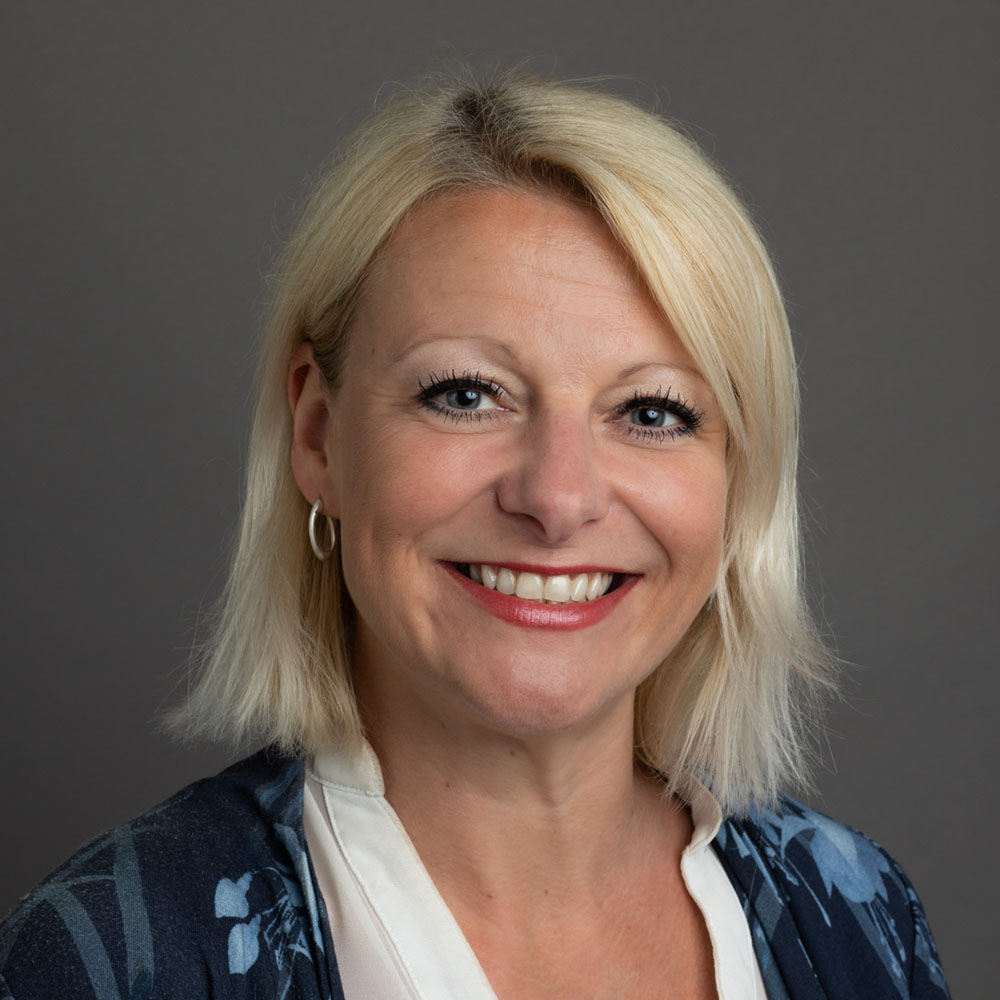
Editor
Margot Ellery
Margot trained as a graphic designer at Central Saint Martins and spent twelve years working in print design across UK magazine publishing — including stints at editorial monthlies and small-press design studios — before moving into independent editorial work.
She now writes about the tools, templates, and small editorial decisions that separate amateur printed materials from genuinely well-designed ones, with a particular soft spot for the small businesses who design their own menus on Tuesday afternoons.